
Most people hand out permissions without thinking.
Camera access.
Microphone access.
Location tracking.
Contacts.
Files.
Bluetooth.
Notifications.
Click. Accept. Continue.
Modern apps are built around one assumption:
You will trade privacy for convenience automatically.
And most people do.
That’s the problem.
Every permission you grant creates another pathway into your life. Another stream of data. Another opportunity for exposure. Another point of failure.
Privacy isn’t usually destroyed in one dramatic moment.
It’s eroded permission by permission.
Most Apps Ask for More Than They Need
A flashlight app should not need your contacts.
A weather app does not need constant background location tracking.
A random mobile game probably does not need microphone access.
Yet many apps request excessive permissions because:
- more data means more profiling
- more profiling means more monetization
- more access means more behavioral tracking
The business model of large portions of the internet depends on collecting as much information as possible.
Not because it helps you.
Because data has value.
Permissions Create Exposure
The more permissions an app has:
- the more data it can collect
- the more systems it can interact with
- the more damage a compromise can cause
People think:
“It’s just one app.”
But modern privacy failures happen through aggregation.
One app knows:
- your location
Another knows:
- your purchases
Another knows:
- your social graph
Another knows:
- your browsing behavior
Combined together, those fragments create an extremely detailed map of your life.
That’s why every permission matters.
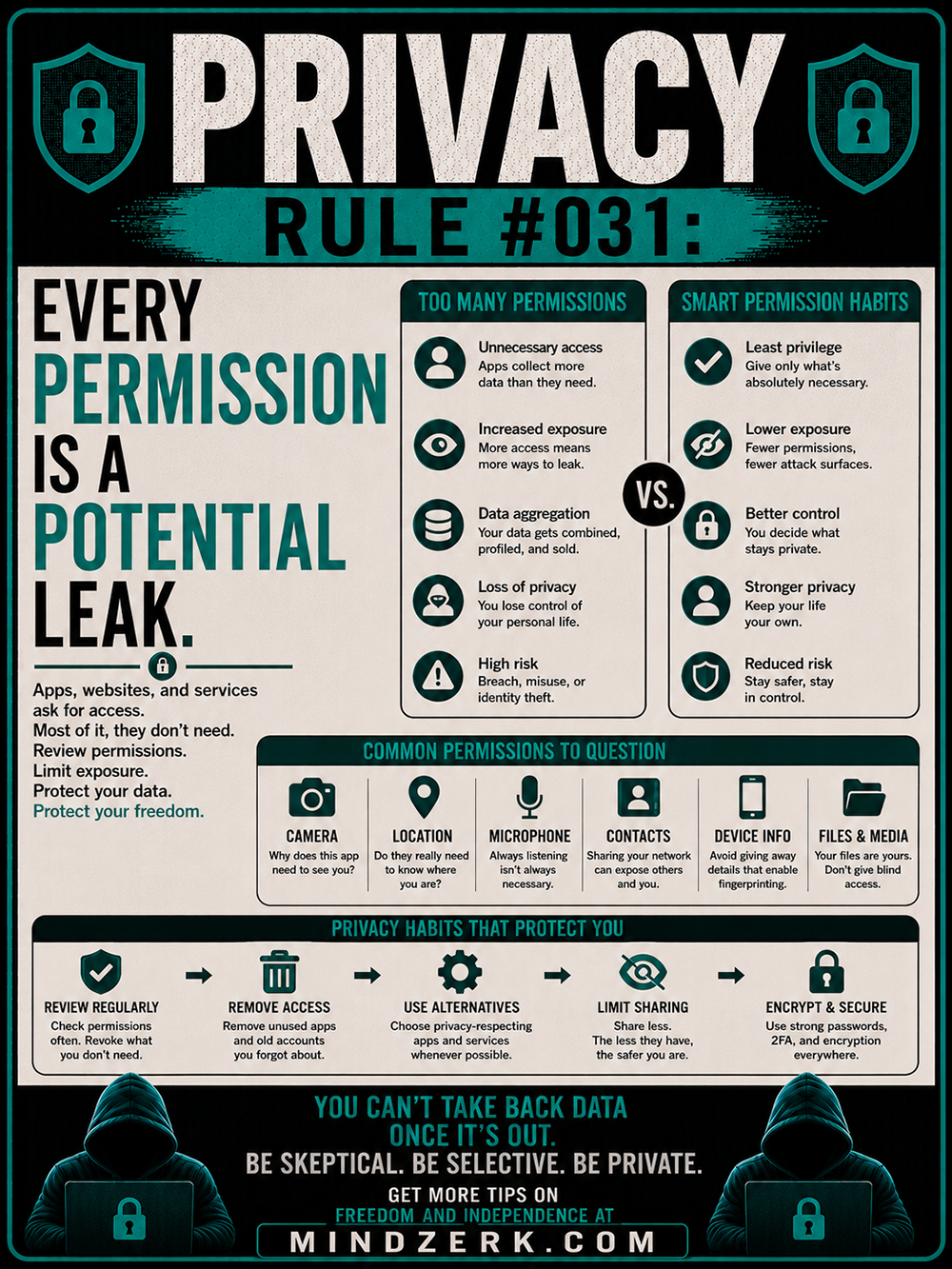
The Principle of Least Privilege
One of the strongest privacy habits is simple:
Give only the minimum access required.
This is called least privilege.
If an app only needs location while actively in use:
- don’t allow “Always”
If an app doesn’t need your microphone:
- deny it
If a website wants notification access immediately:
- question why
Most permissions are granted out of habit, not necessity.
Breaking that habit dramatically reduces exposure.
Common Permissions You Should Question
Camera Access
Ask:
Why does this app need to see me?
Some apps genuinely require camera access.
Many don’t.
A compromised camera is one of the most invasive forms of exposure possible.
Location Tracking
Location data reveals:
- routines
- home address
- workplace
- habits
- movement patterns
Constant location tracking turns your life into a behavioral map.
Disable it whenever possible.
Microphone Access
Always-listening devices are no longer science fiction.
Voice data matters because speech reveals:
- intent
- emotions
- relationships
- habits
Most apps do not need constant microphone access.
Contacts Access
Your contact list is not just your information.
It’s everyone else’s too.
Granting contact permissions exposes:
- names
- emails
- phone numbers
- relationship networks
One permission can map an entire social circle.
Files & Media Access
Your files contain:
- documents
- screenshots
- IDs
- photos
- metadata
Blindly granting file access is equivalent to opening doors you forgot existed.
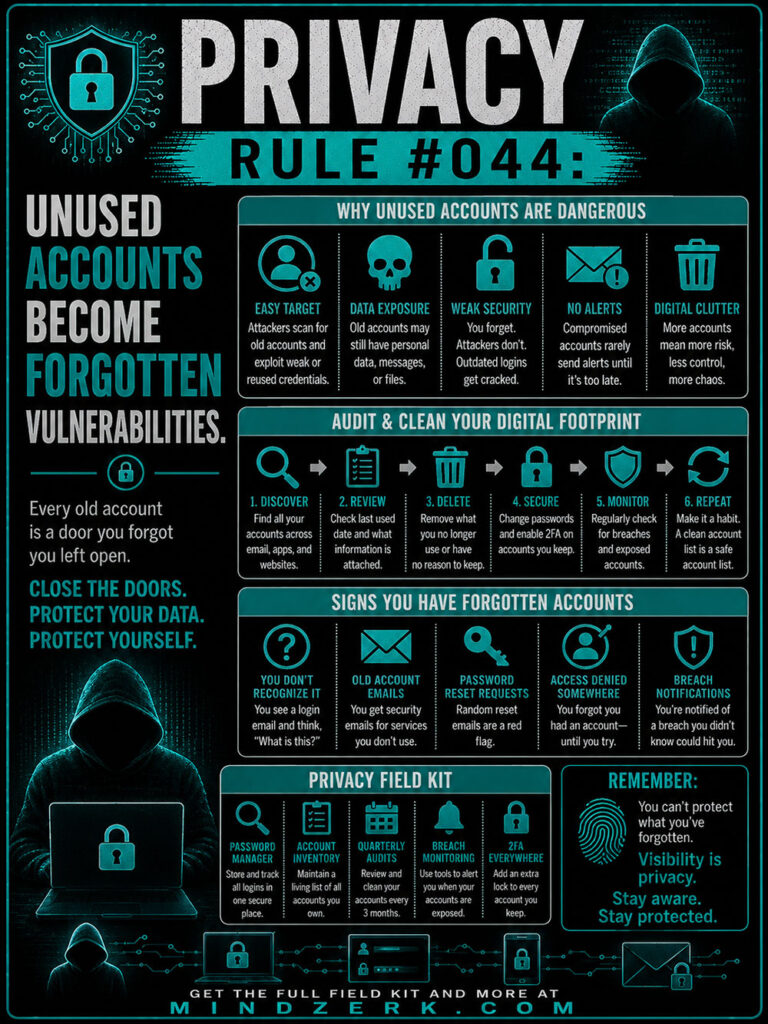
Old Permissions Become Forgotten Risks
One of the biggest privacy mistakes:
forgetting what already has access.
People install apps for temporary reasons and never review them again.
Over time:
- old apps remain connected
- inactive accounts remain open
- unused services retain permissions
- abandoned platforms keep data
These become silent vulnerabilities.
Reviewing permissions regularly matters more than installing “privacy tools.”
Convenience Is Designed to Lower Resistance
Most permission systems are intentionally frictionless.
Why?
Because hesitation reduces data collection.
So platforms make permission granting:
- fast
- emotional
- automatic
- interrupt-driven
People click “Allow” just to make the popup disappear.
That tiny moment of impatience compounds into long-term exposure.
Privacy Is Often About Saying No
You do not need to optimize every app experience.
You do not need every smart feature enabled.
You do not need every device interconnected.
A lot of modern privacy protection comes down to:
- limiting unnecessary access
- removing unused permissions
- reducing dependency
- staying selective
Less exposure means fewer surprises later.
Smart Permission Habits
A few simple habits go a long way:
Review Permissions Regularly
Audit:
- phone permissions
- browser permissions
- app integrations
- connected accounts
Remove what you don’t actively use.
Use Privacy-Respecting Alternatives
Some apps are built around surveillance.
Others are built around utility.
Choose accordingly.
Limit Sharing
The less access granted:
- the smaller the attack surface
- the less data available
- the lower the risk
Minimalism is powerful in privacy.
Encrypt & Secure
Strong passwords, 2FA, and encryption reduce damage when leaks happen.
Because eventually:
- something fails
- something leaks
- something gets compromised
Prepared systems survive mistakes better.
The Real Cost of Permissions
The dangerous part about permissions is that most consequences are invisible.
You usually won’t notice:
- profiling
- behavioral tracking
- data aggregation
- shadow profiles
- metadata collection
Until years later when the system knows more about you than you realized you revealed.
That’s why privacy requires awareness before problems appear.
The Bottom Line
Apps, websites, and devices constantly ask for access.
Most of it is unnecessary.
Every permission you grant creates another possible leak, another exposure point, another dependency.
Good privacy habits are not about paranoia.
They’re about control.
Review permissions.
Limit exposure.
Question defaults.
Protect your data before it becomes someone else’s product.